
Switch on Stock in Settings → Features (the shop setups have it on). Stock in hand is never typed; it is worked out:
opening stock + stock in + purchase bills − invoices + sales returns − open challans ± adjustments
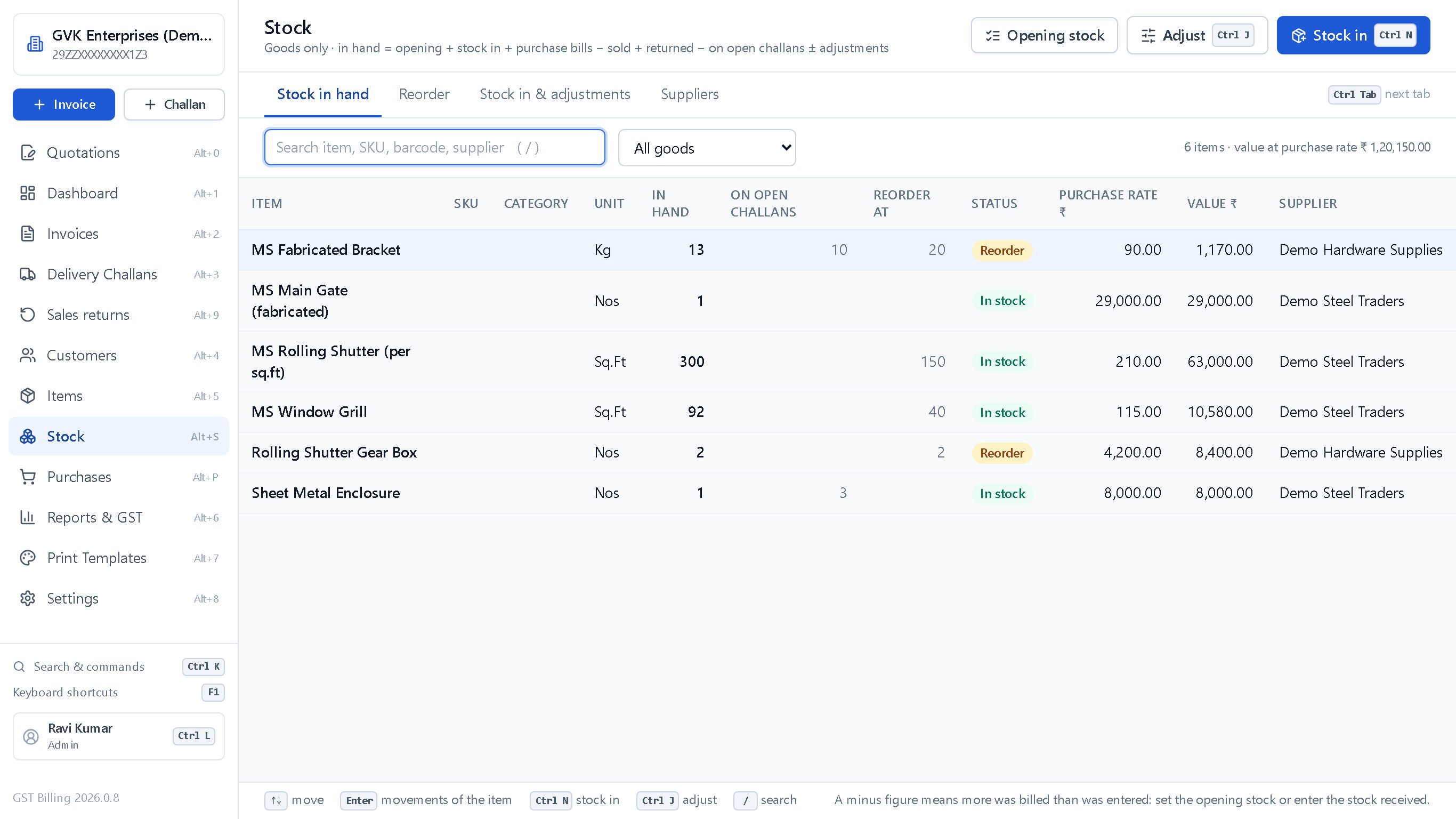
- Ctrl N Stock in: goods received with the supplier and their bill number.
- Ctrl J Adjust: damaged, lost, found, or type the counted stock.
- Reorder tab: items at or below their reorder level, grouped by supplier, with how many to order.
- While billing, the item list shows stock, and a quantity above stock turns red (it never stops the bill).
- Items → Print labels: barcode / QR labels on A4 (24 or 40) or 50 × 25 mm rolls.