
- Alt C starts a delivery challan. Choose the purpose: job work, supply on approval, sale (invoice to follow), goods for repair or return, branch transfer.
- Add lines as on an invoice and save. Challans print in 3 copies (Original / Duplicate / Triplicate).
- When the goods are sold, open a new invoice for that customer and press Alt D to bring lines from one or more pending challans.
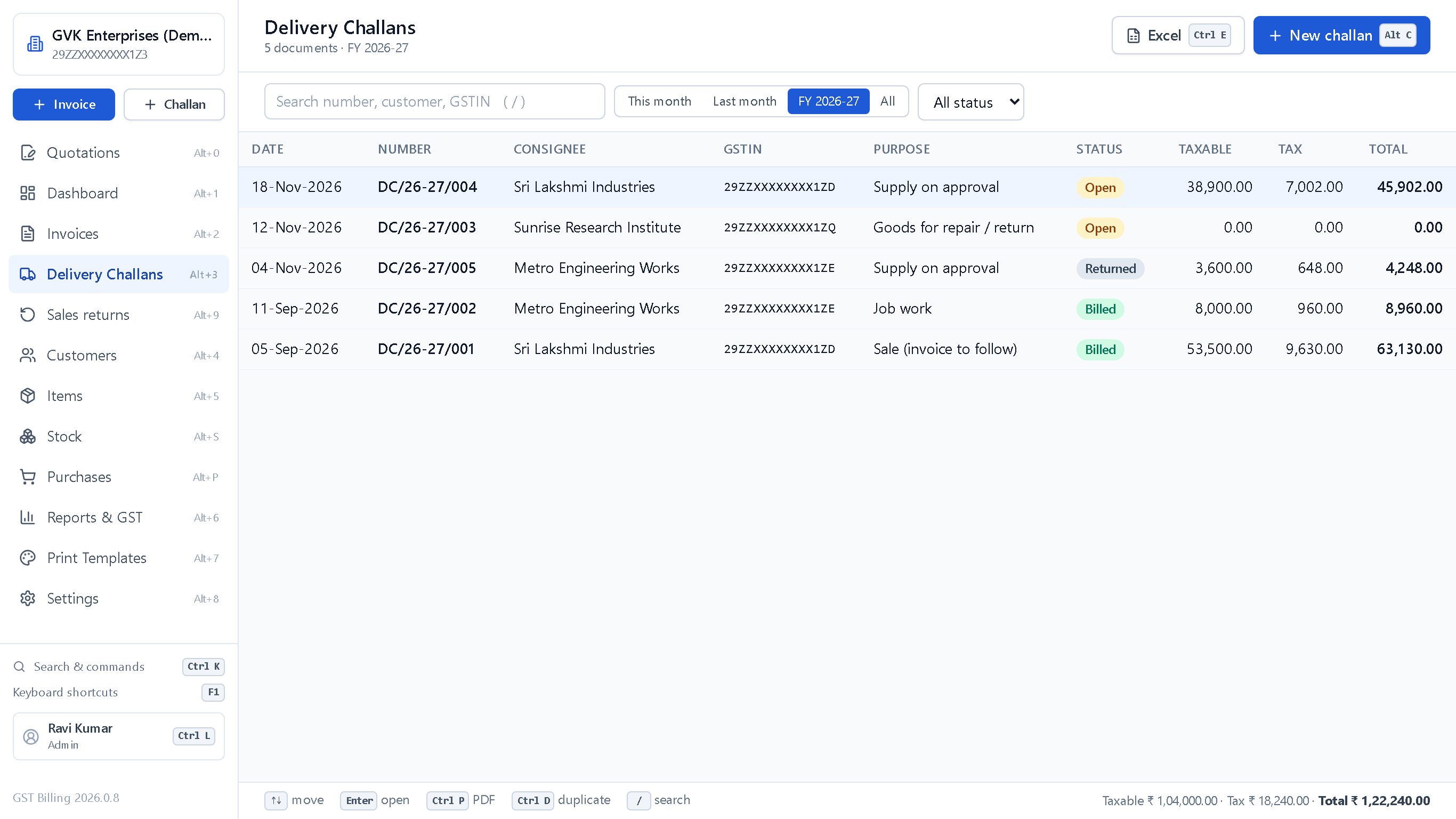
- Goods that come back: mark the challan returned.
- Reports → Pending delivery challans lists the ones not yet billed or returned.