
Everything in GST Billing
Every licence has every feature. Switch on only what your business needs in Settings → Features, or pick a ready setup for your trade.
Billing
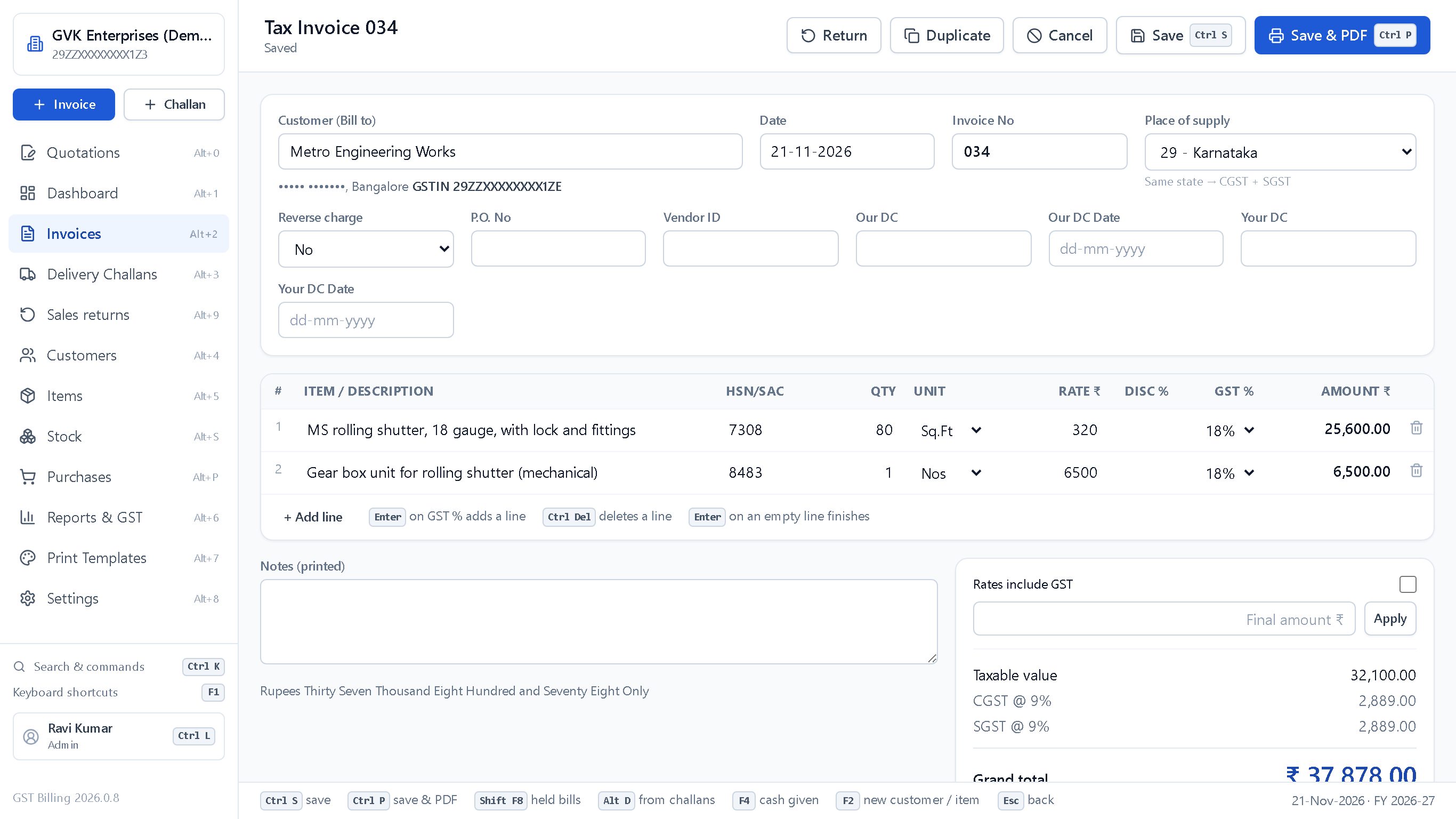
- Tax invoices, bills of supply (composition) and plain bills (not registered)
- Enter moves to the next field; customer and item fields suggest as you type; F2 creates new ones
- CGST + SGST or IGST from the place of supply; GSTINs checked with the check digit
- HSN / SAC on items and invoices; numbers per financial year, up to 16 characters
- Rates with or without GST, line discounts, "final amount" to work back the rate
- Round off to the rupee; amount in words in lakh / crore
- Cancel but never delete; duplicate an invoice; reverse charge, PO, vendor ID and DC fields
Delivery challans and quotations
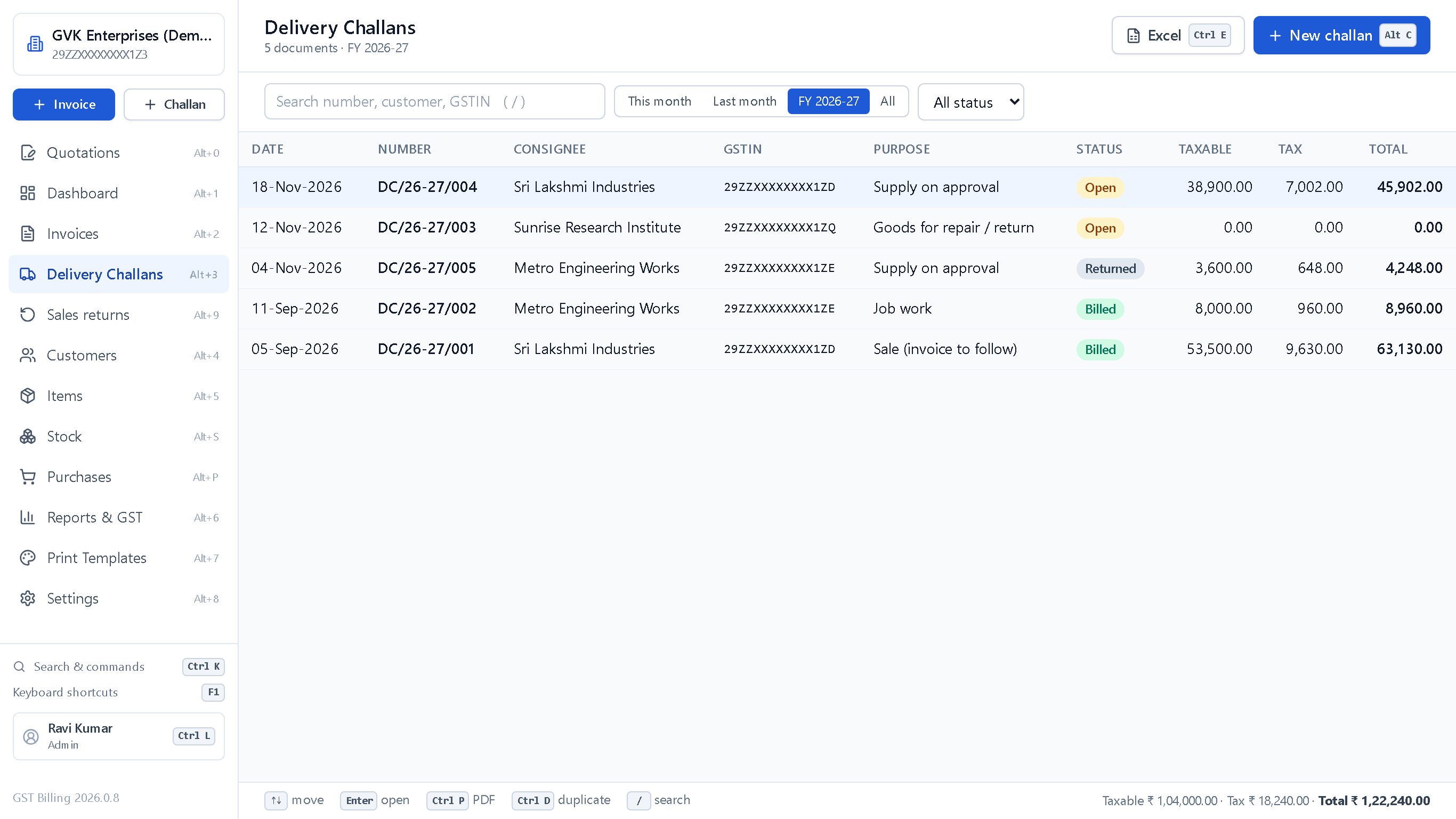
- Rule 55 delivery challans: job work, supply on approval, sale, repair, branch transfer
- Original / Duplicate / Triplicate copies; vehicle number
- Turn one or more challans into an invoice (Alt D); mark returned; pending challans report
- Quotation, estimate or proforma invoice with a valid-until date; revise, lost, or make the invoice
GST returns and reports
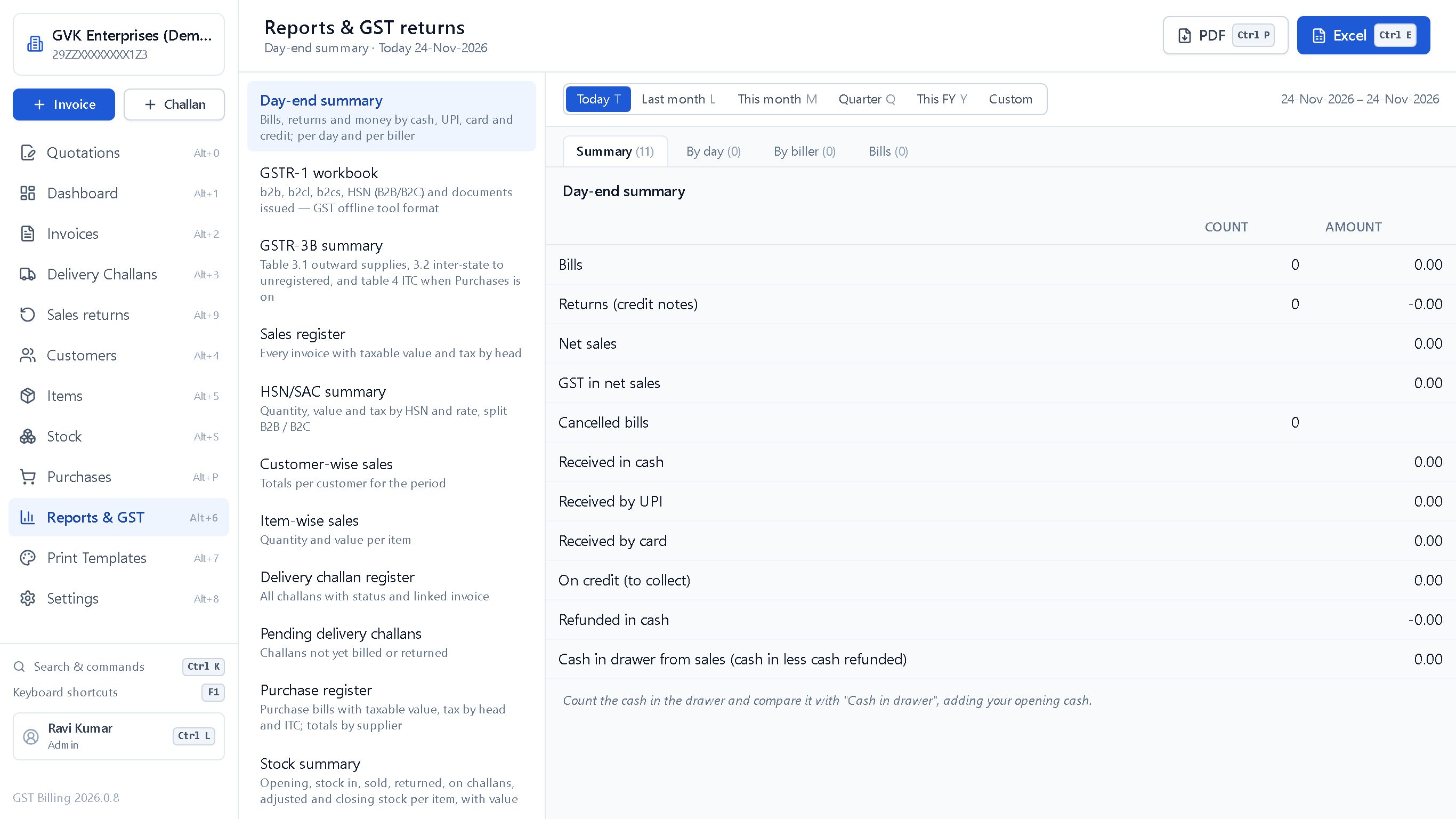
- GSTR-1 workbook in the GST offline-tool layout: b2b, b2cl, b2cs, hsn(b2b), hsn(b2c), docs, cdnr / cdnur
- GSTR-3B: tables 3.1, 3.1(d), 3.2 and 4
- Sales register, HSN/SAC summary, customer-wise and item-wise sales
- Delivery challan register, pending challans, quotation register
- Every report in PDF and Excel; GST filing dates on the dashboard
Purchases and ITC
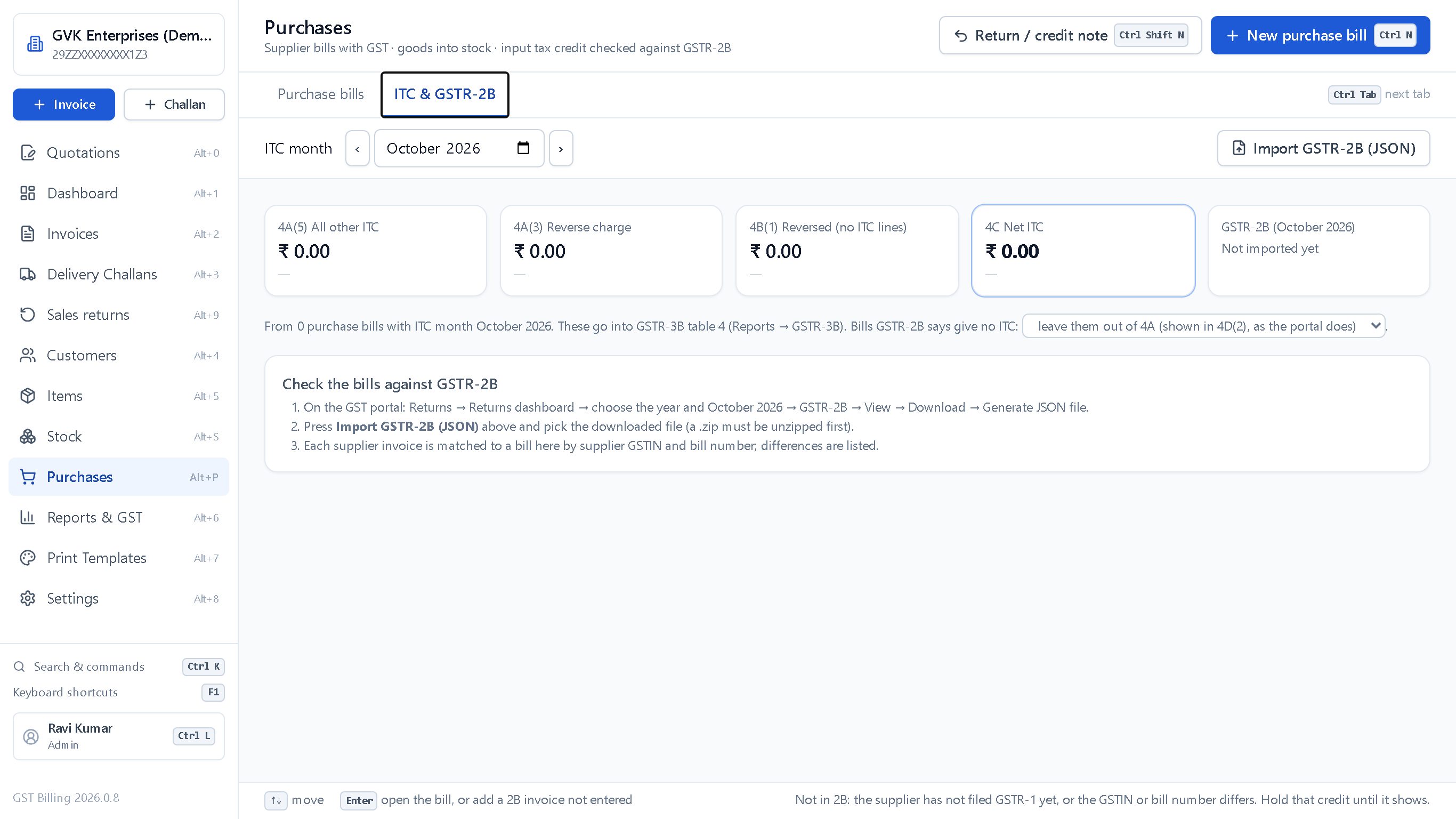
- Supplier GST bills line by line; goods into stock; purchase rate updated
- ITC per line, blocked credit, month the credit is taken in
- Import the GSTR-2B JSON: matched, amounts differ, other month, not entered, not in 2B
- Add 2B invoices you have not entered; purchase returns, credit and debit notes
- Purchase register; GSTR-3B table 4 net of credit notes
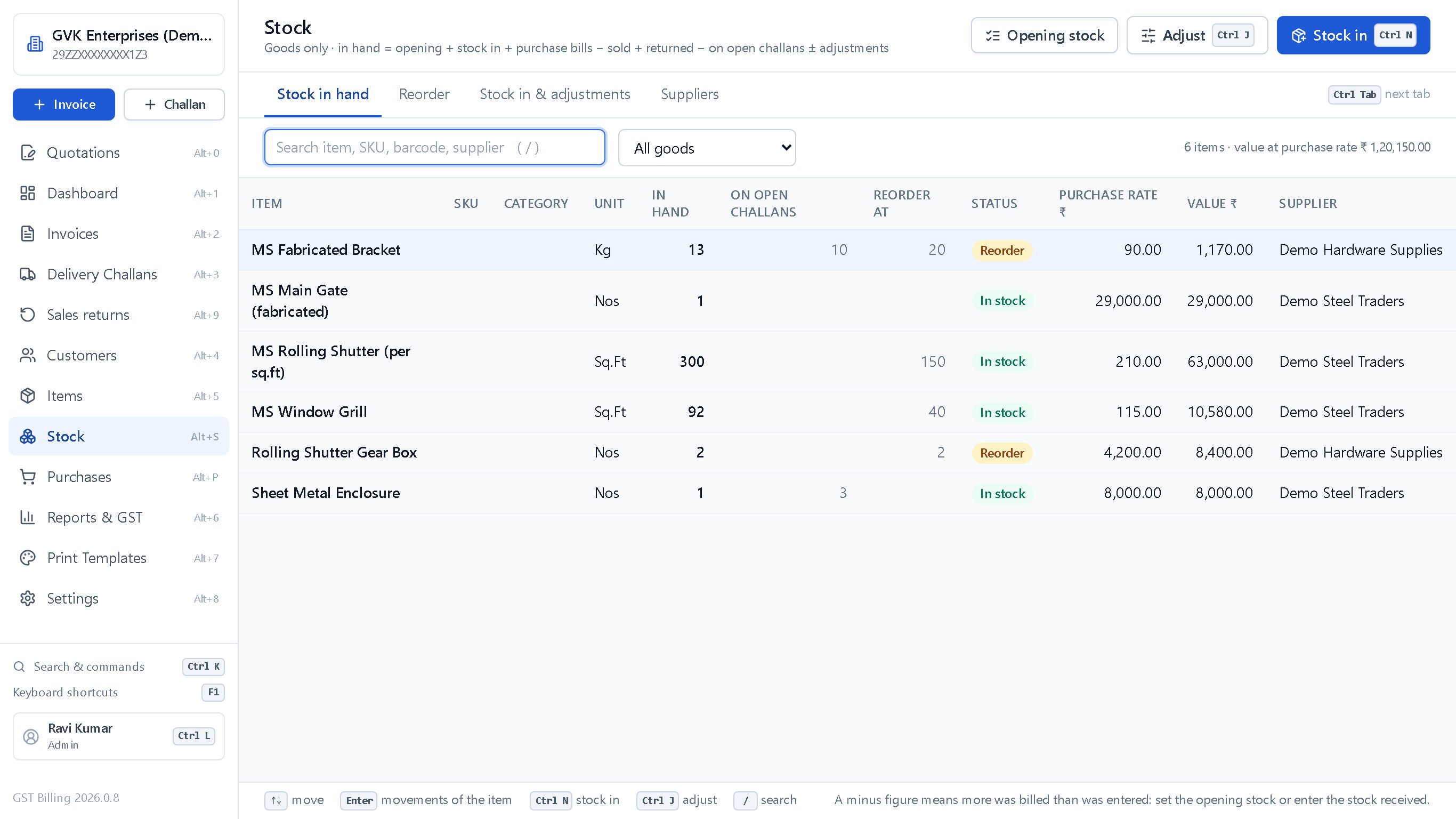
Stock
- Stock in hand worked out from opening stock, stock in, purchases, sales, returns, challans and adjustments
- Suppliers; usual supplier, reorder level and order quantity per item
- Reorder list by supplier; "Goods arrived" turns it into a stock-in
- Stock shown while billing; item movements; stock summary and movement reports
- SKU, barcode (EAN-13 made for you), barcode / QR labels, product photos, categories
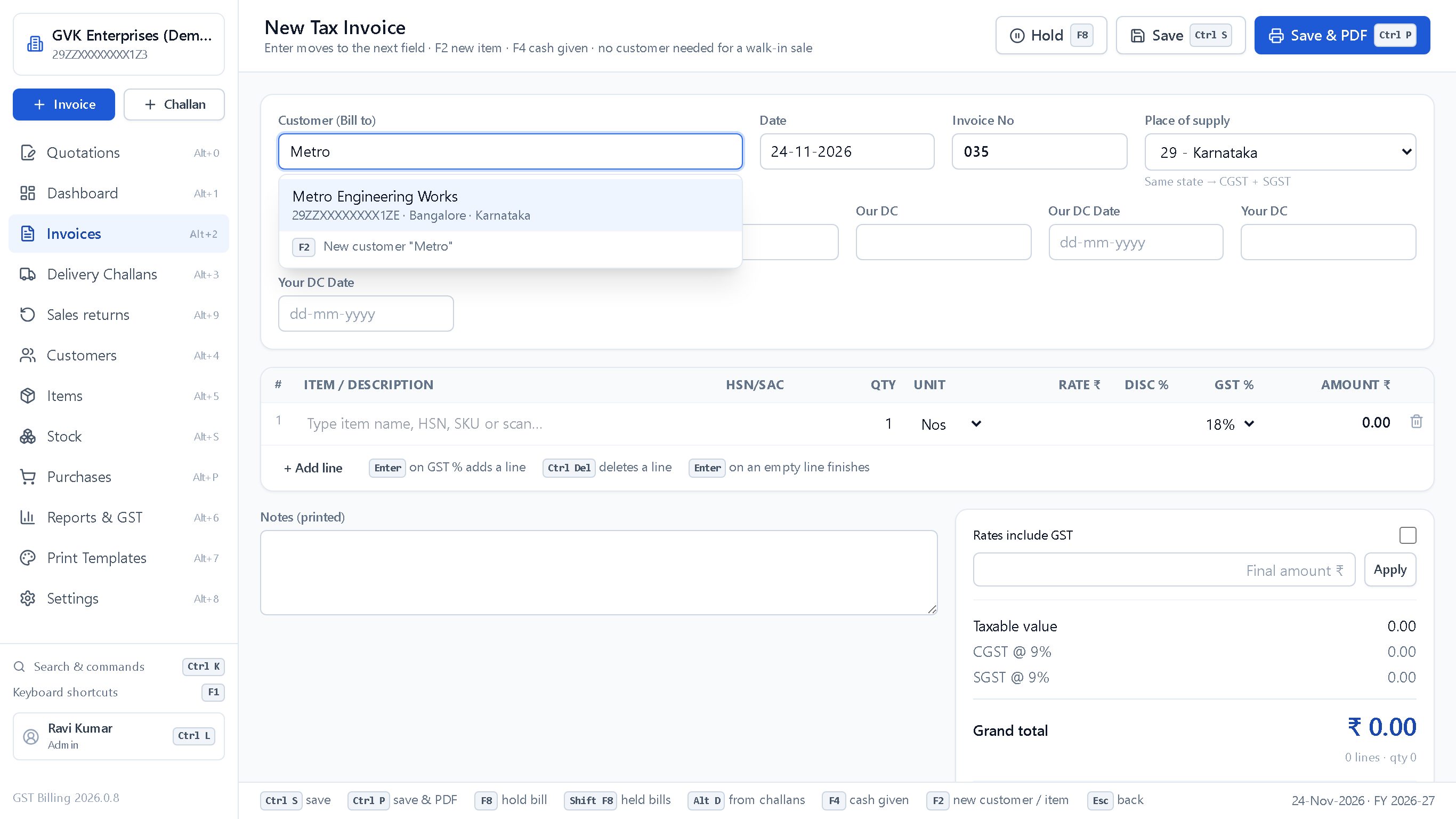
Retail counter
- Payment modes: cash, UPI, card, split, credit; change to return (F4)
- 80 / 58 mm receipt printer as well as A4
- Sales returns as credit notes in their own series, reported in GSTR-1
- Hold bill (F8) and held bills (Shift F8); walk-in customer
- Day-end summary: bills, returns, money by mode and by biller, cash in the drawer
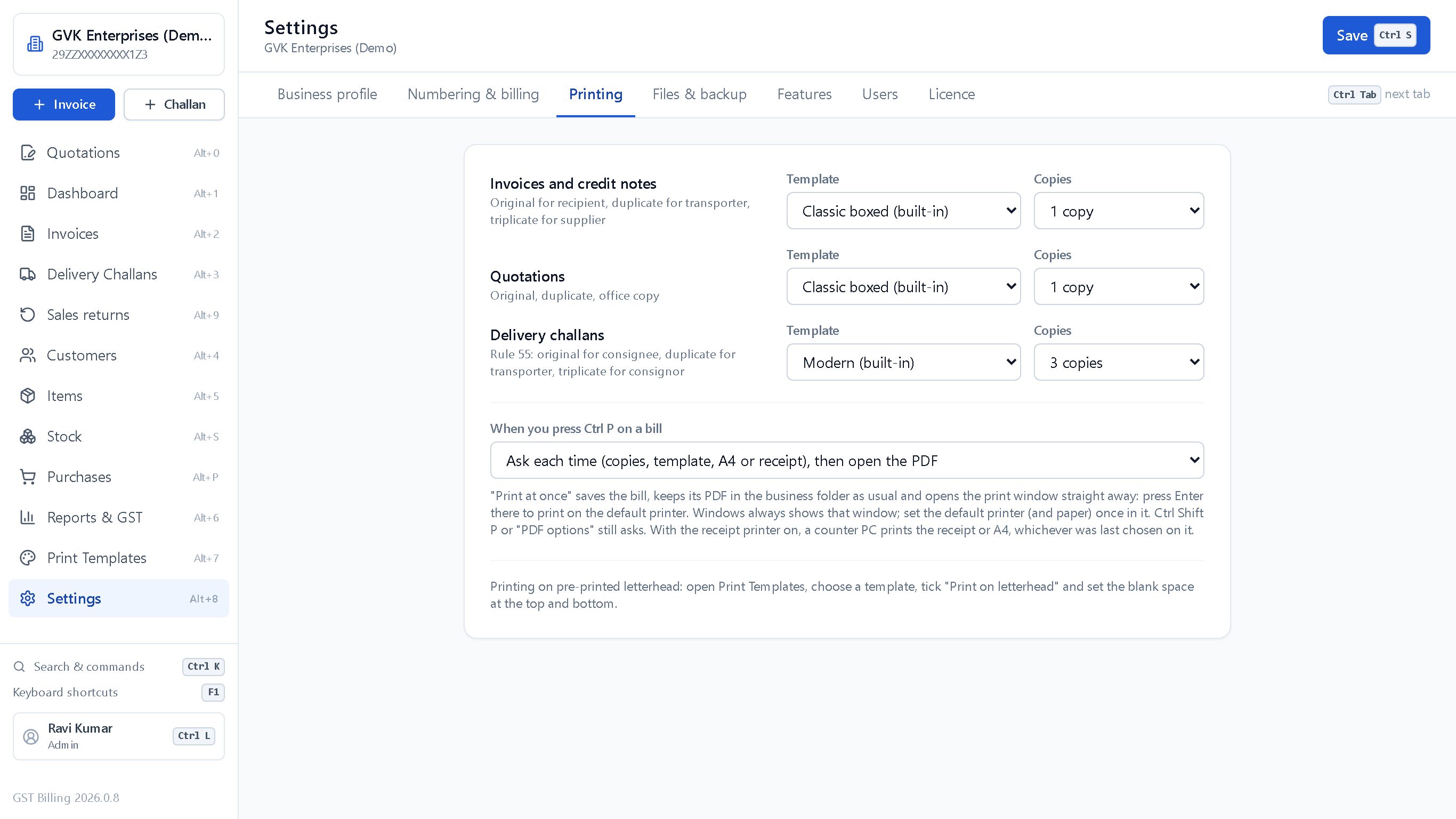
Printing
- Modern, Classic boxed and Compact templates; change colours, labels, fields and columns
- Logo, signature, UPI QR code, bank details, terms; your own extra fields
- Pre-printed letterhead mode; 1 to 3 copies; default template per document type
- "Print at once": Ctrl P saves and opens the print window straight away
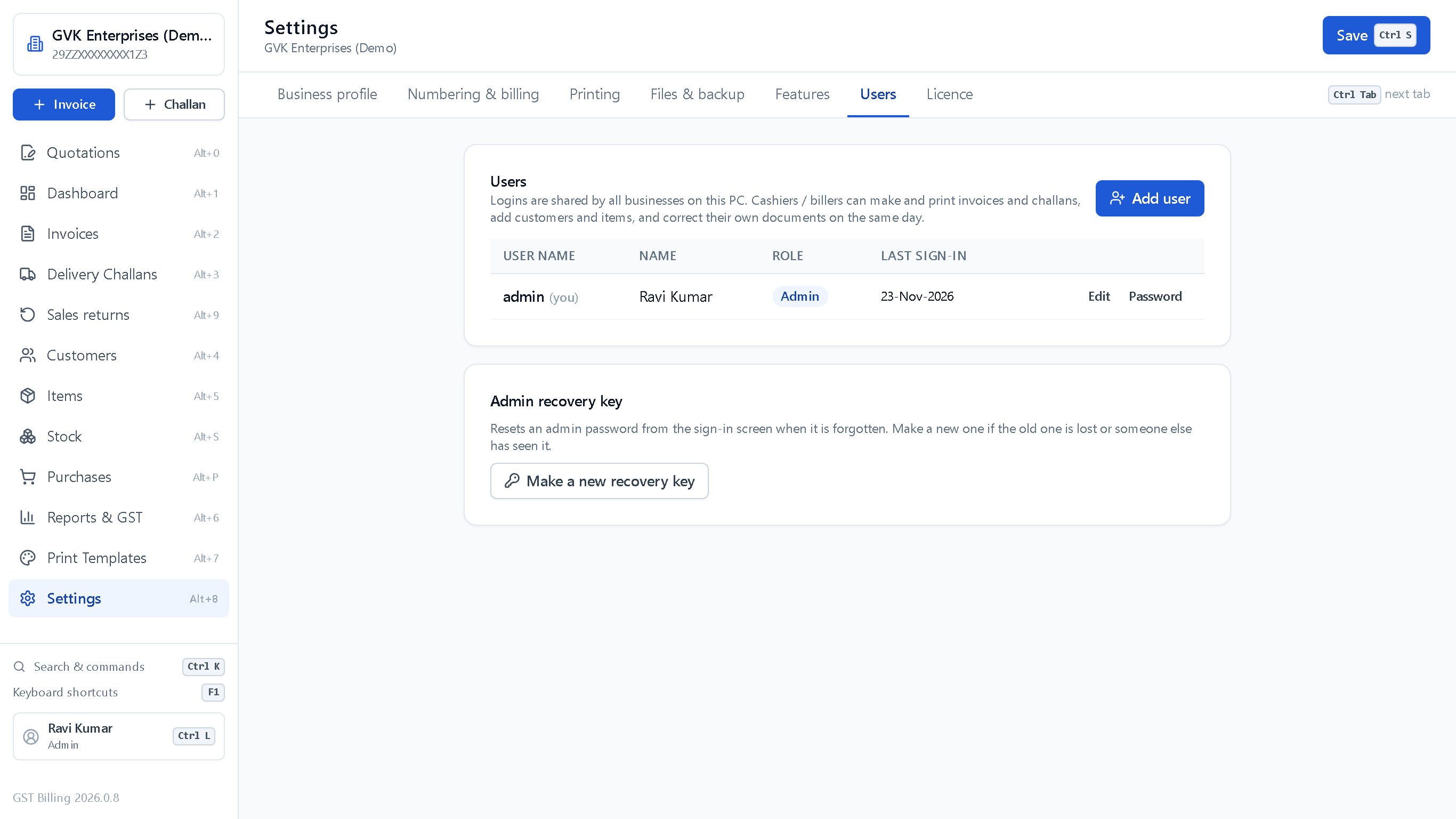
Users and safety
- Admin and cashier / biller logins; billers cannot see totals, reports or settings
- Every document records who made it; audit log of sign-ins and changes
- Passwords stored as salted hashes; recovery key for a forgotten admin password
- Lock books up to a date; daily backup (last 30 kept); restore keeps the old data
Ready setups for your trade
Choosing one switches the right options on and fills the category suggestions.
Universal (everything on) · Software / IT · Service business · Retail shop · School books vendor · Stationery · Books & stationery · Optical · Garments & textiles · Mobiles & electronics · Grocery / kirana · Hardware, paints & electricals · Do it yourself
