
On the business setup screen, click Try with demo data. Later you can load it from Settings → Files & backup → Load demo business.
It creates a separate business, GVK Enterprises (Demo), with fictional customers, items and about three months of invoices and delivery challans: billed, open and returned challans, a cancelled invoice, inter-state and B2C sales.
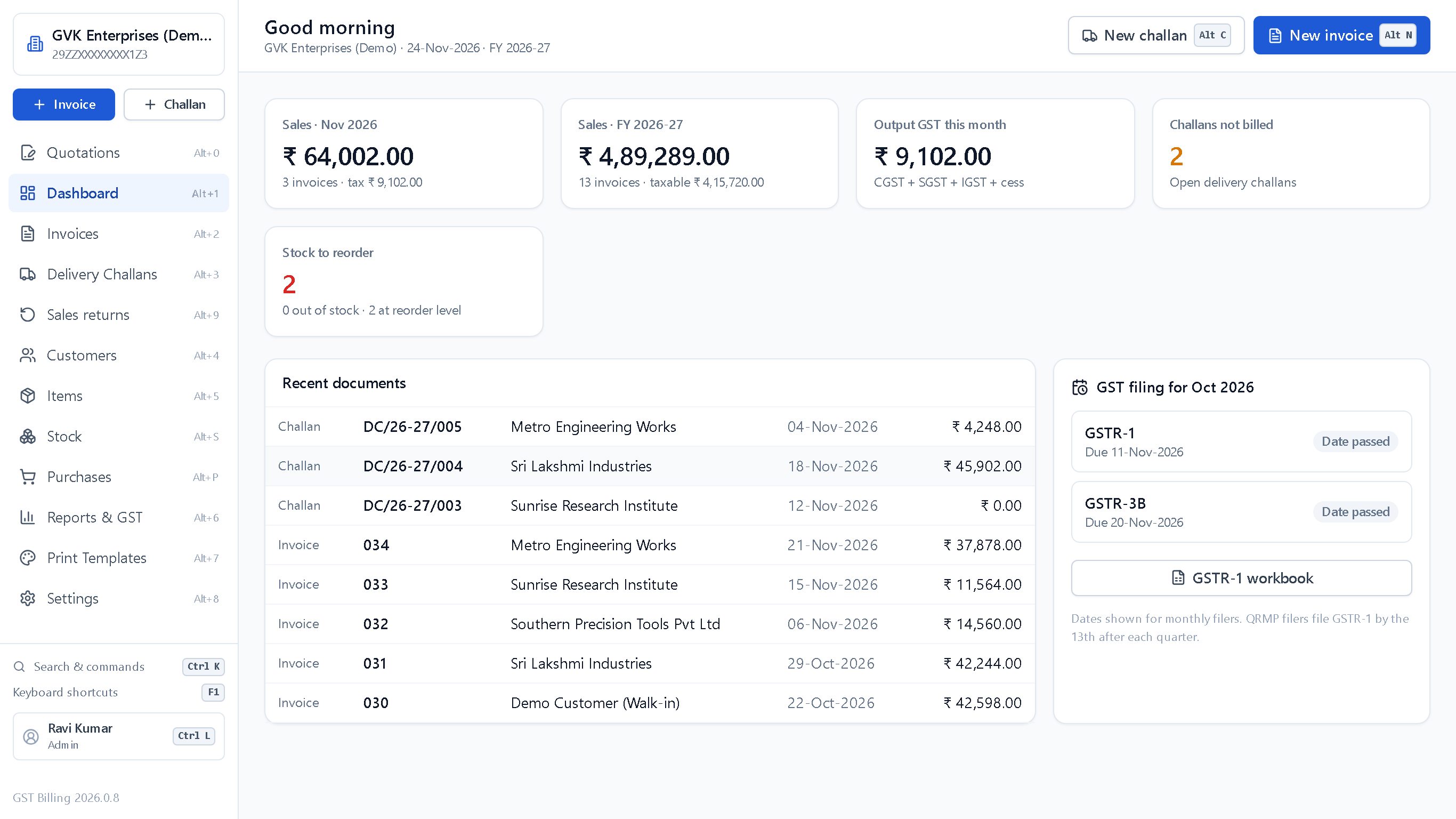
- The demo business does not count towards the 5 free invoices.
- Loading it again replaces it. Deleting it never touches your own businesses.
- Switch business from the box at the top left.