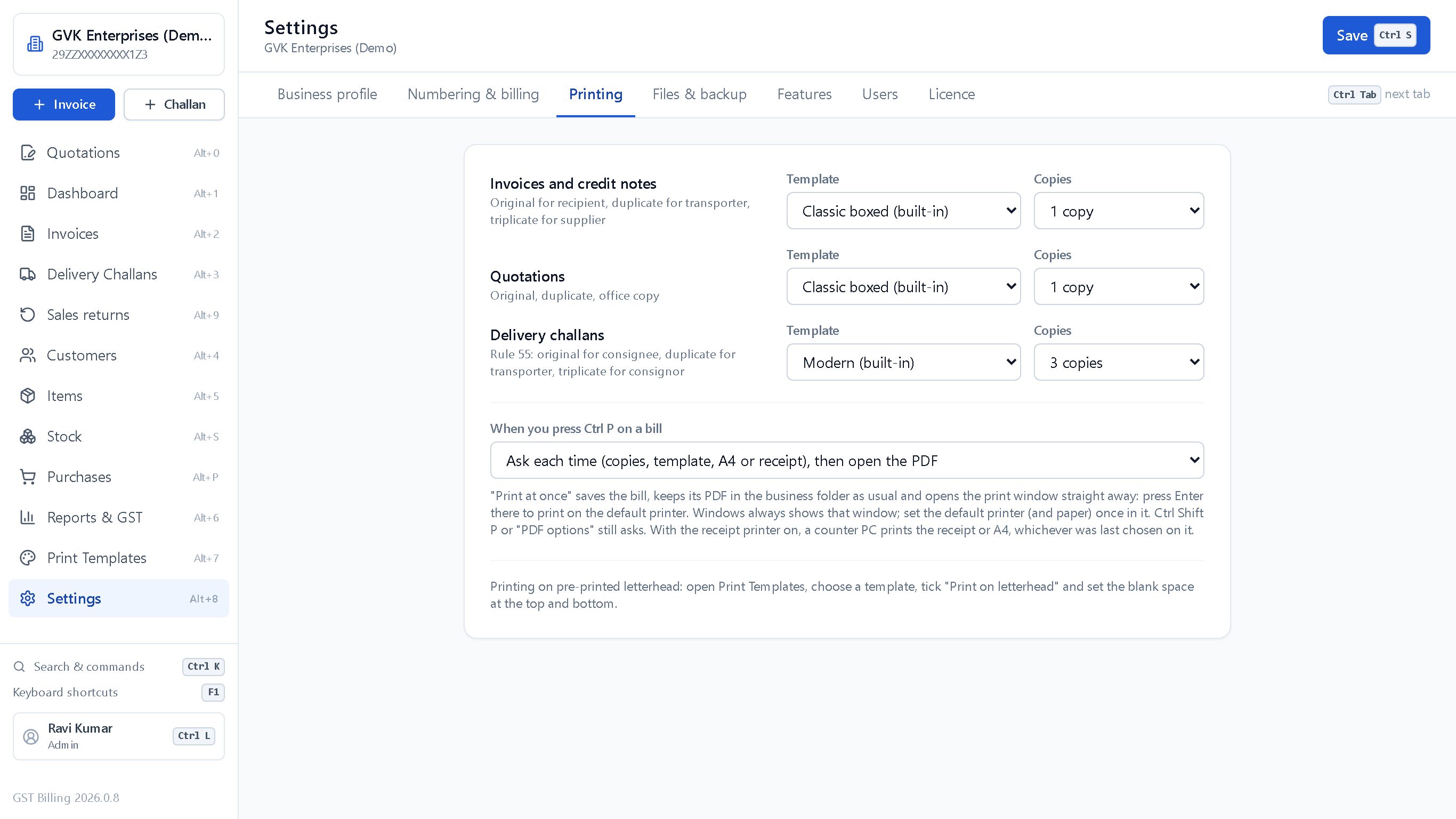
Ctrl P on an invoice saves it and makes the PDF in the business's folder (Documents\MarvelSoft GST Billing\business\Invoices). Ctrl Shift P asks for copies, template, A4 or receipt.
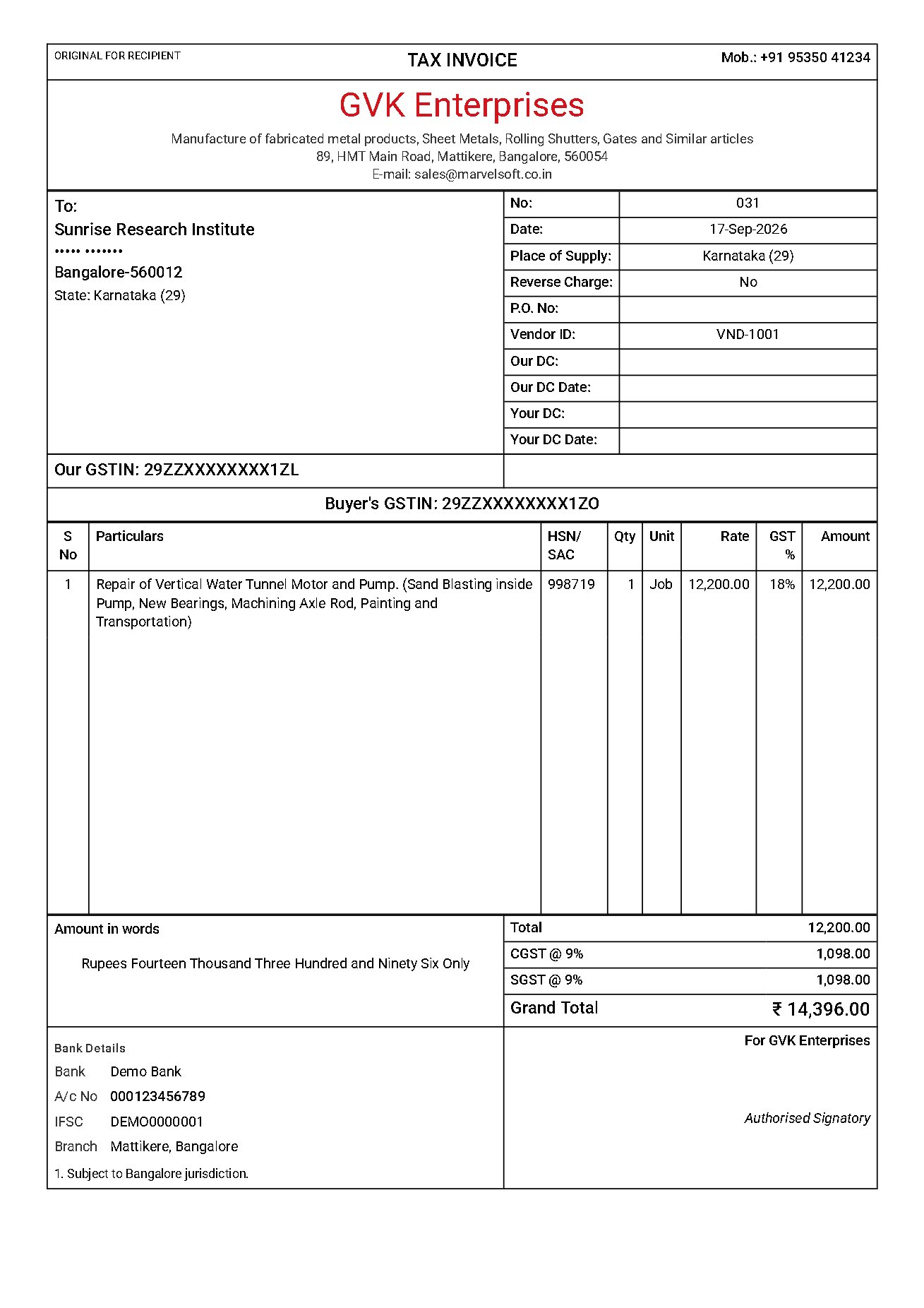
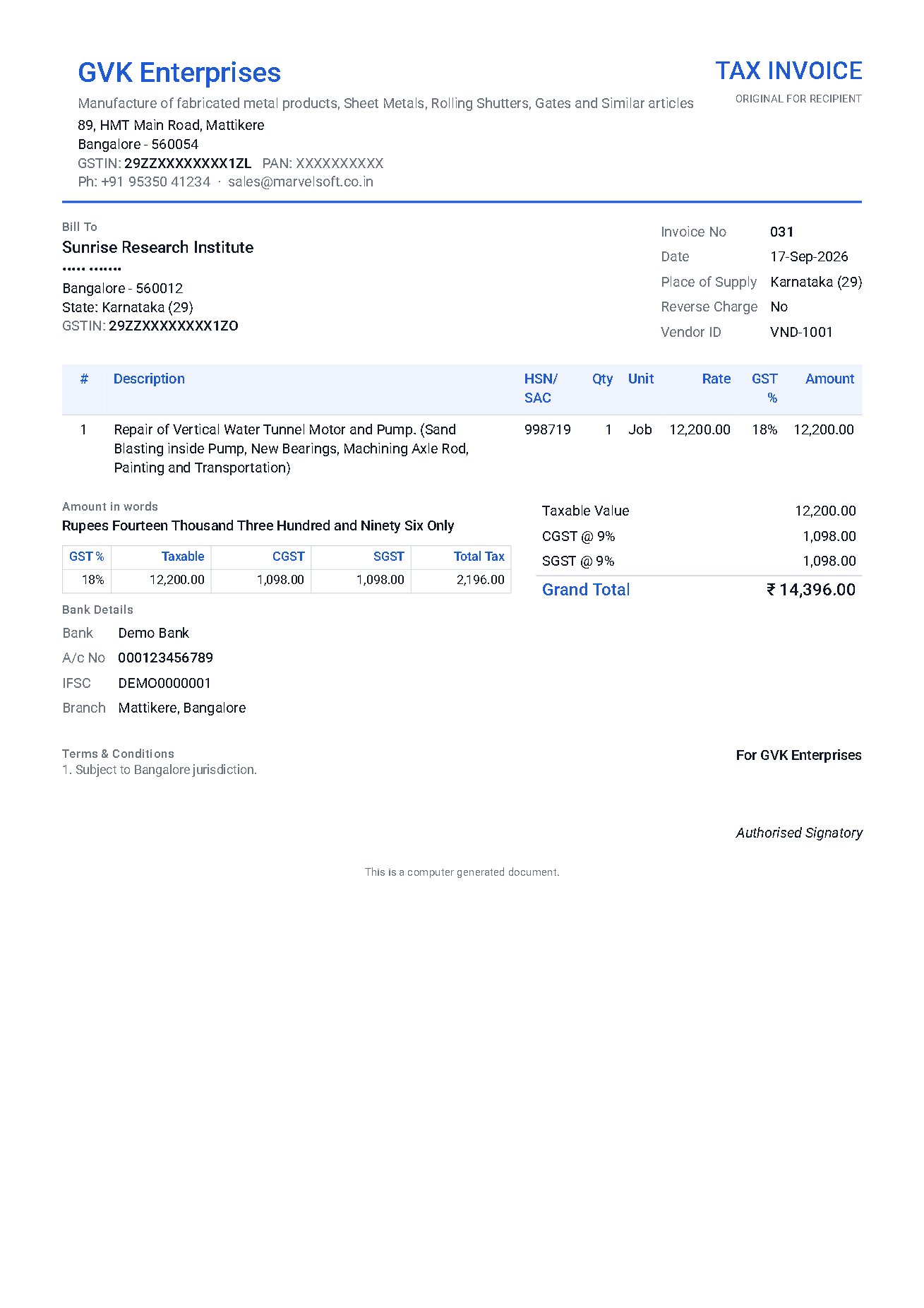
Templates
Print Templates (Alt 7) starts from Modern, Classic boxed (the traditional Indian look) or Compact. Change colours, titles, fields and columns, add your own fields, logo, signature, bank details, UPI QR and terms; the preview updates as you go. Save as my template keeps your copy.
- Pre-printed letterhead: leave the header and footer blank and set the space in mm.
- Receipt printer (Settings → Features): 80 or 58 mm receipts as well as A4.
- Settings → Printing: default template and copies for invoices, quotations and challans, and "Print at once" so Ctrl P goes straight to the printer.