These details print on every invoice and challan. You can change them any time in Settings → Business profile.
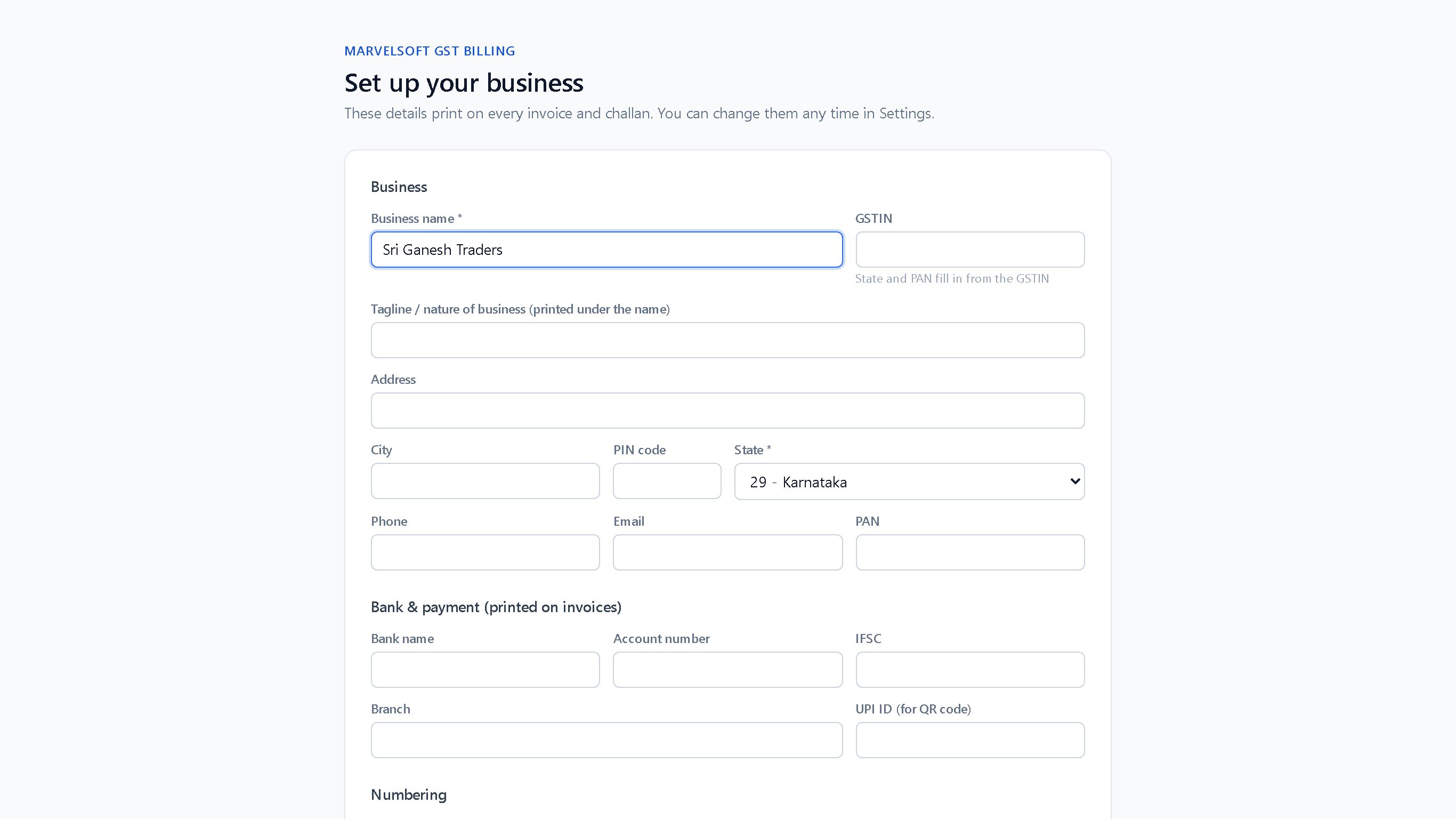
- Business name and GSTIN. The state and PAN fill in from the GSTIN.
- Address, PIN code, phone and email.
- Bank and UPI ID: printed on invoices; the UPI ID makes a QR code customers can scan to pay.
- Numbering: the invoice and challan number patterns, e.g.
{N:3}gives 001, 002…;DC/{FY}/{N:3}gives DC/26-27/001. Numbers restart each financial year. - Logo, signature image and terms & conditions (optional).
- Press Ctrl S (Save and start).
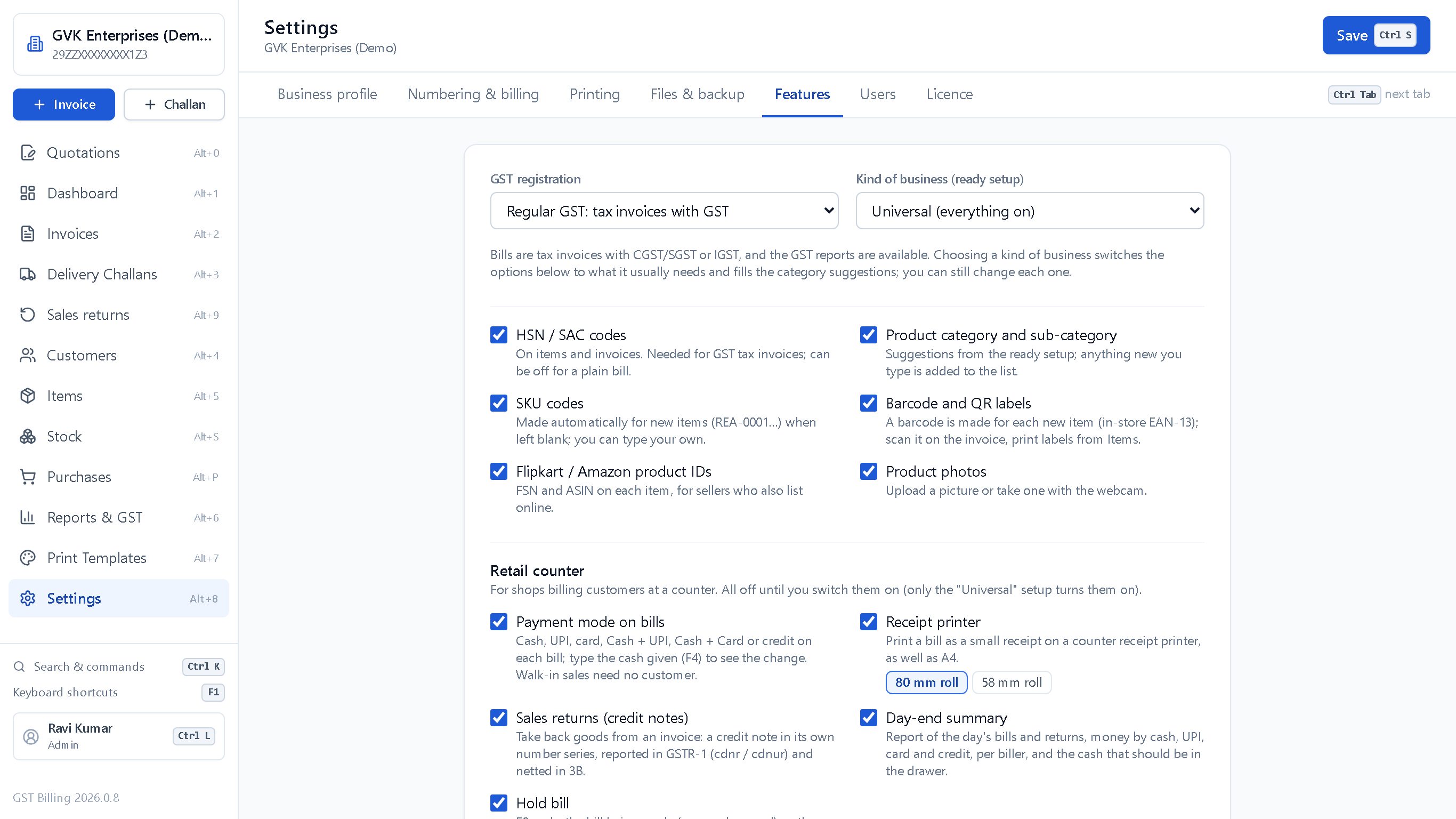
Turn on what your trade needs
Settings → Features sets the GST registration (regular, composition or not registered) and the kind of business: ready setups for retail, garments, hardware, grocery, services and more switch the right options on. You can still change each one.