1. Download and install
- Download the installer from the download page (3.3 MB, Windows 10 or 11, 64-bit).
- Run it. Read the licence agreement and click I Agree.
- Choose where daily backups should be kept. Another disk or a USB drive is best, so a failed disk does not take your backups with it.
- Finish. MarvelSoft GST Billing opens and gets a desktop and Start menu shortcut.
Windows may say "Windows protected your PC" for a new download. Click More info → Run anyway.
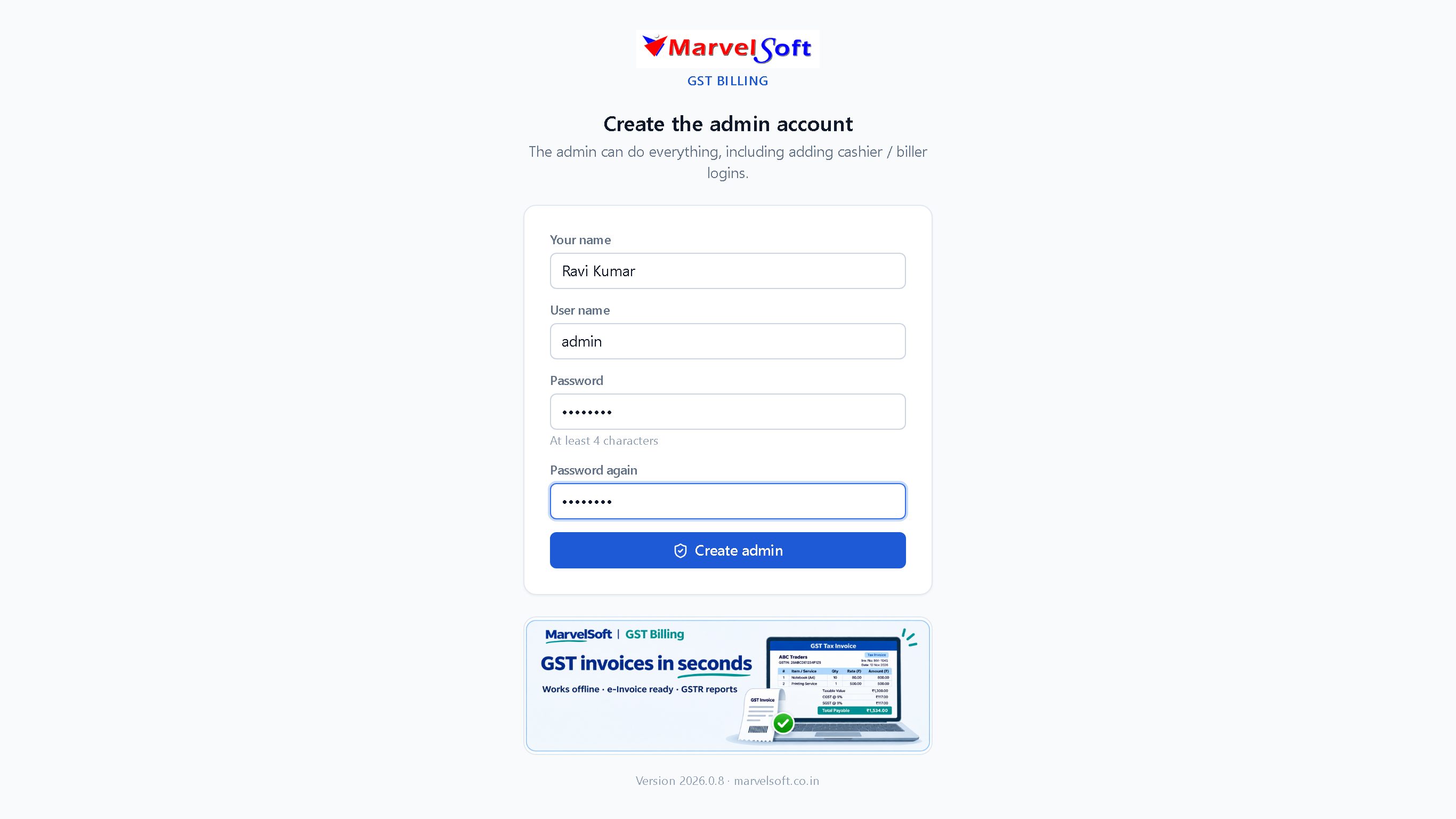
2. Create the admin login
The first start asks for the admin account. The admin can do everything, including adding cashier / biller logins later.
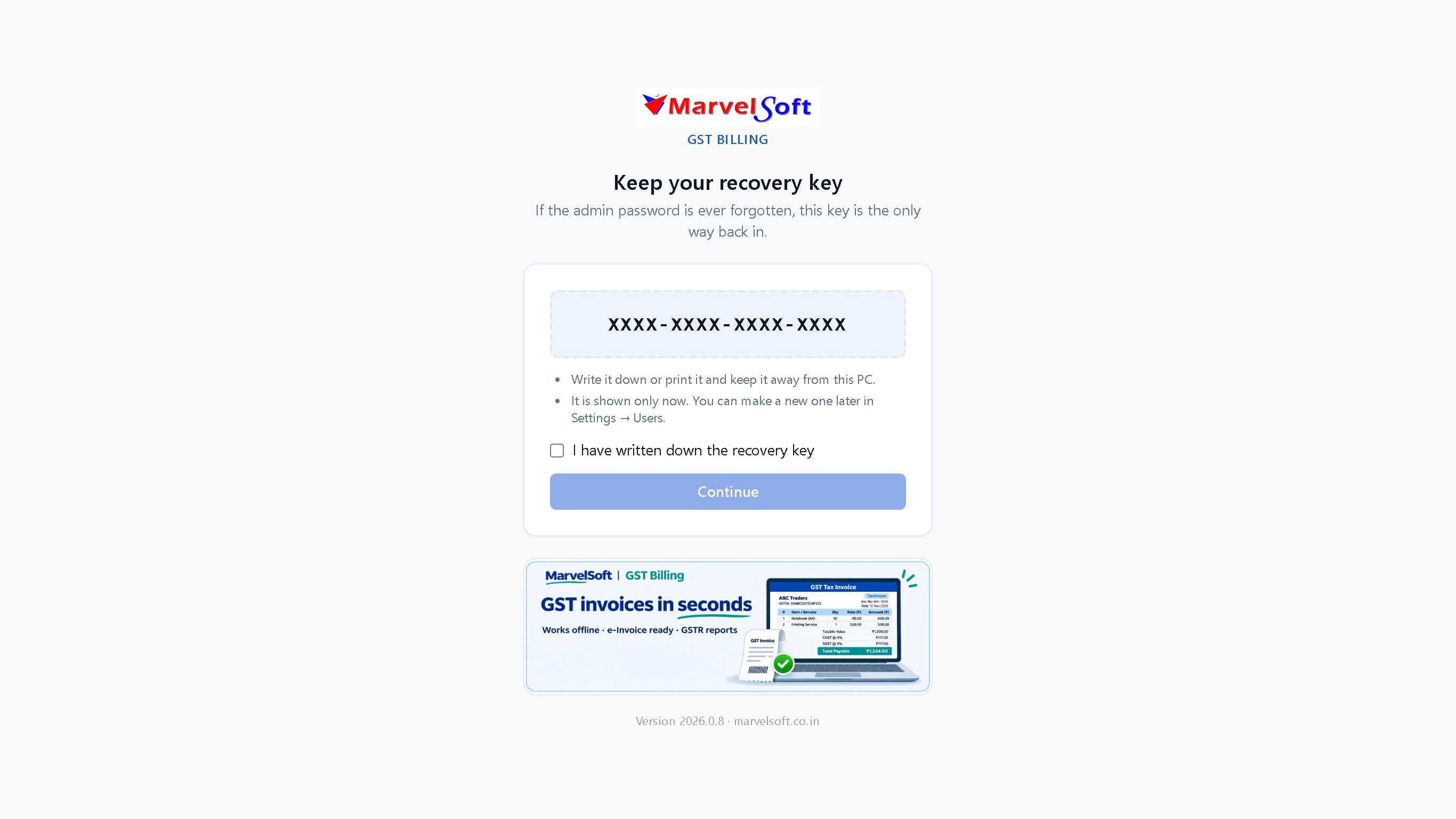
3. Keep the recovery key
You get a recovery key once. It is the only way back in if the admin password is forgotten, so write it down or print it and keep it away from the PC. Tick I have written down the recovery key and continue.
4. Next
Either try the ready-made demo business first (see how) or set up your own business.