
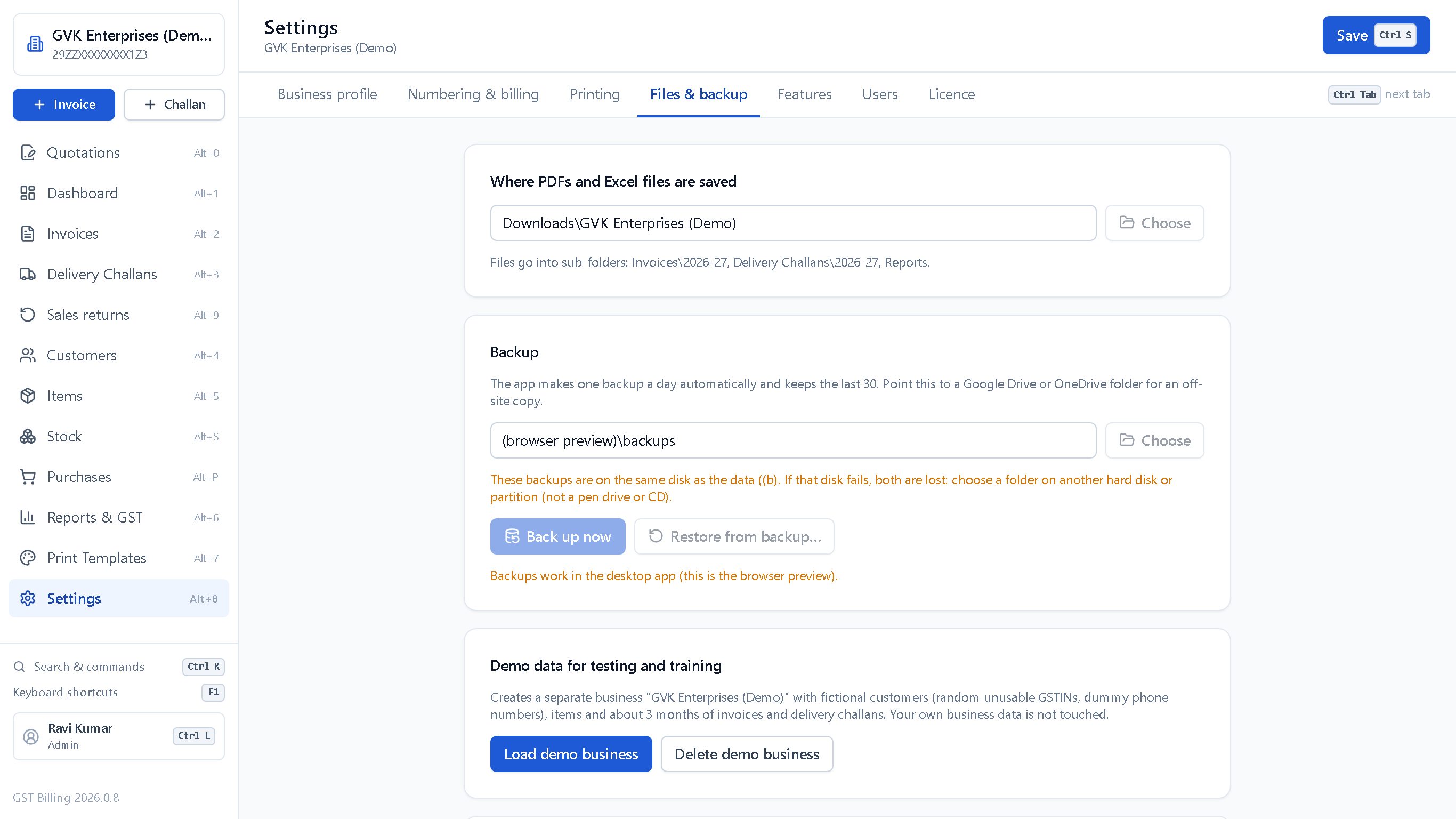
- A backup is made every day and the last 30 are kept, in the folder chosen at install (Settings → Files & backup shows and changes it).
- Back up now makes one at once, e.g. to a USB drive.
- Restore keeps a copy of the current data before replacing it.
Moving to a new PC
- Copy your latest backup (a
.dbfile) to the new PC. - Install the app there and choose Restore your backup on the first screen.
- Sign in and enter the same licence key on Settings → Licence. Two moves are included; reinstalling on the same PC is free.