
Switch on Purchases in Settings → Features (the "Universal" setup has it on). It is for admins only.
- Alt P opens Purchases; Ctrl N enters a supplier bill line by line. Goods go into stock and the rate paid becomes the purchase rate.
- ITC is worked out per line; untick blocked credit. Choose the month the credit is taken in.
- Ctrl Shift N: purchase return / supplier credit note, or a debit note.
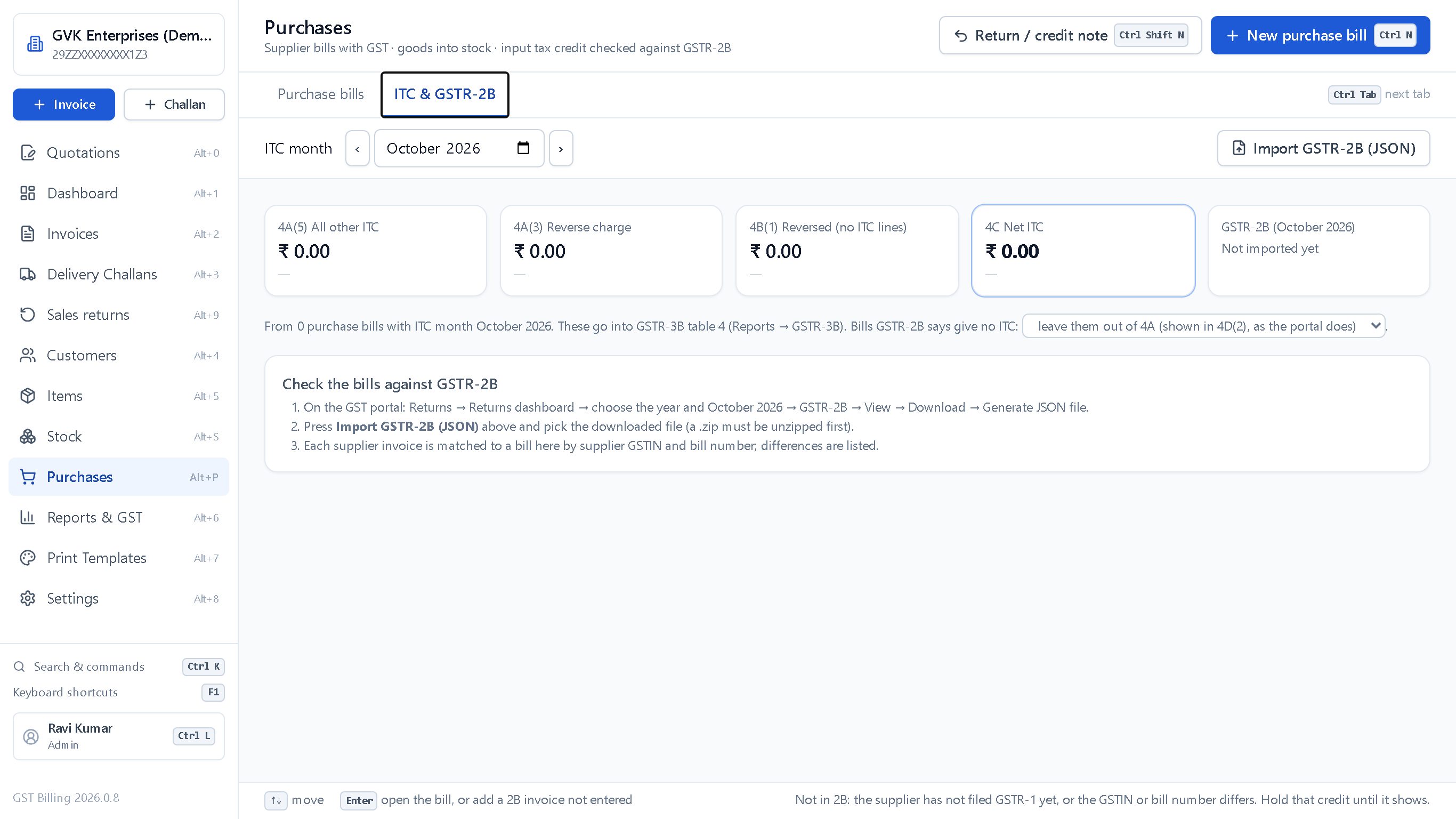
Check against GSTR-2B
- On the GST portal: Returns → Returns dashboard → year and month → GSTR-2B → View → Download → Generate JSON file.
- In the app: ITC & GSTR-2B tab → Import GSTR-2B (JSON) (unzip the download first).
- Each supplier invoice is matched by GSTIN and bill number: matched, amounts differ, other month, not entered, not in 2B. Invoices you have not entered can be added from 2B.